Create
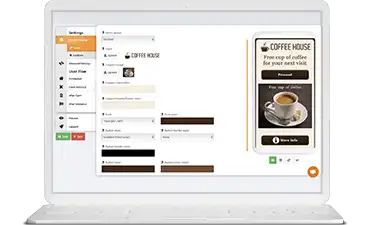
Create digital campaigns with the Coupontools platform.


To complement the physical experience at the venue, many merchants use digital experiences to spice up things.
NFC, Wifi marketing, and Mobile Marketing Kiosks are cost-effective, user-friendly, and tempting ways to interact with your visitors.
The visitor remains in charge whether he participates or not.
In-house software to set up a Mobile Marketing Kiosk.
Create, distribute and validate your homemade digital campaigns.
Send out single-use digital campaigns.
Accurate overview of your data and campaign statistics.
Attach digital campaigns to your store’s NFC stickers.
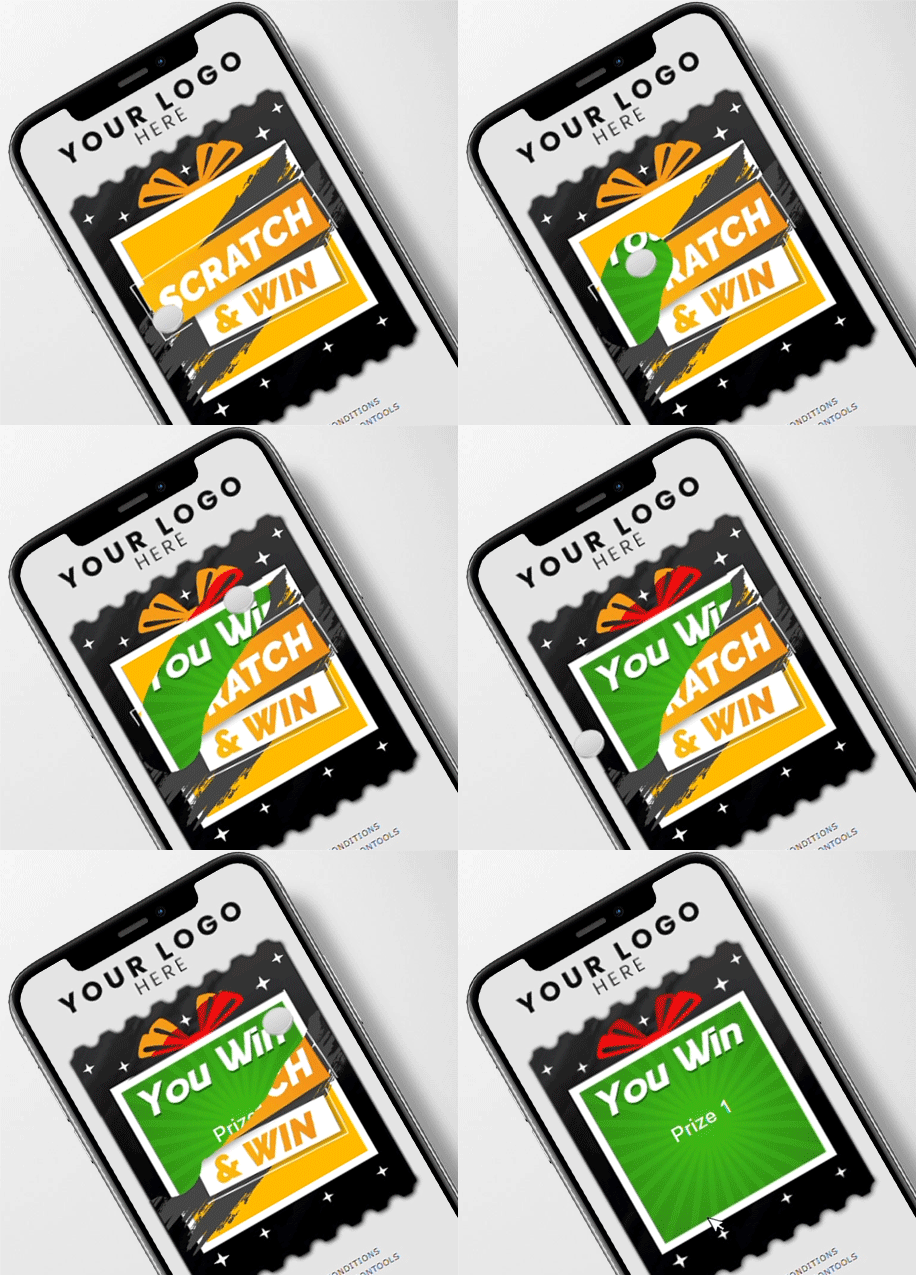
Add gamification to your marketing efforts by implementing Gamified Coupons.
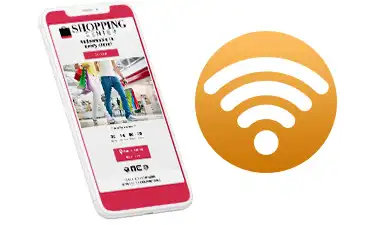
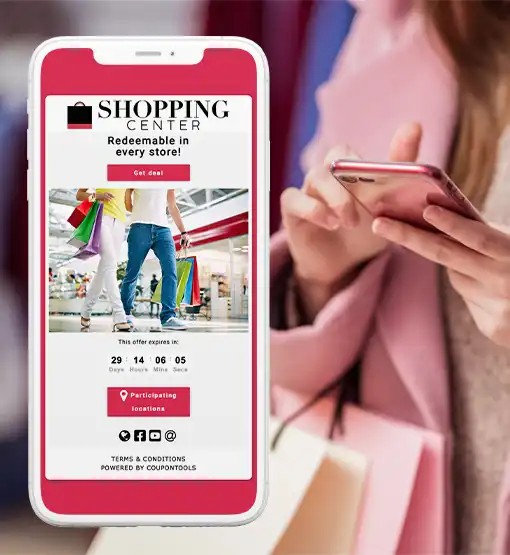
Add a Coupon URL to your wifi network’s router. If visitors connect, they’re first redirected to the Digital Coupon.
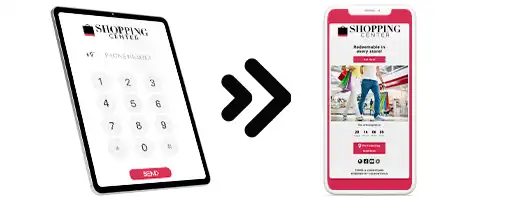
Set up a Mobile Marketing Kiosk at your store and allow visitors to send your digital deals to themselves.
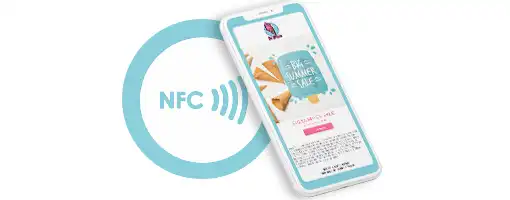
Convenient to redirect people to a specific web page. A Digital Coupon or Voucher for example. Commonly used at physical locations but also in traditional print communication.
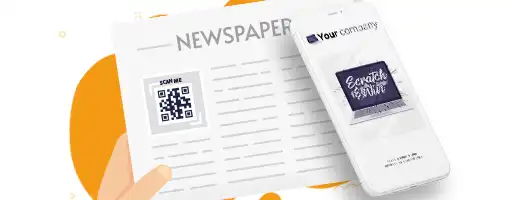
Distribute digital coupons through paper magazine and catalogs.
Start using Coupontools today!
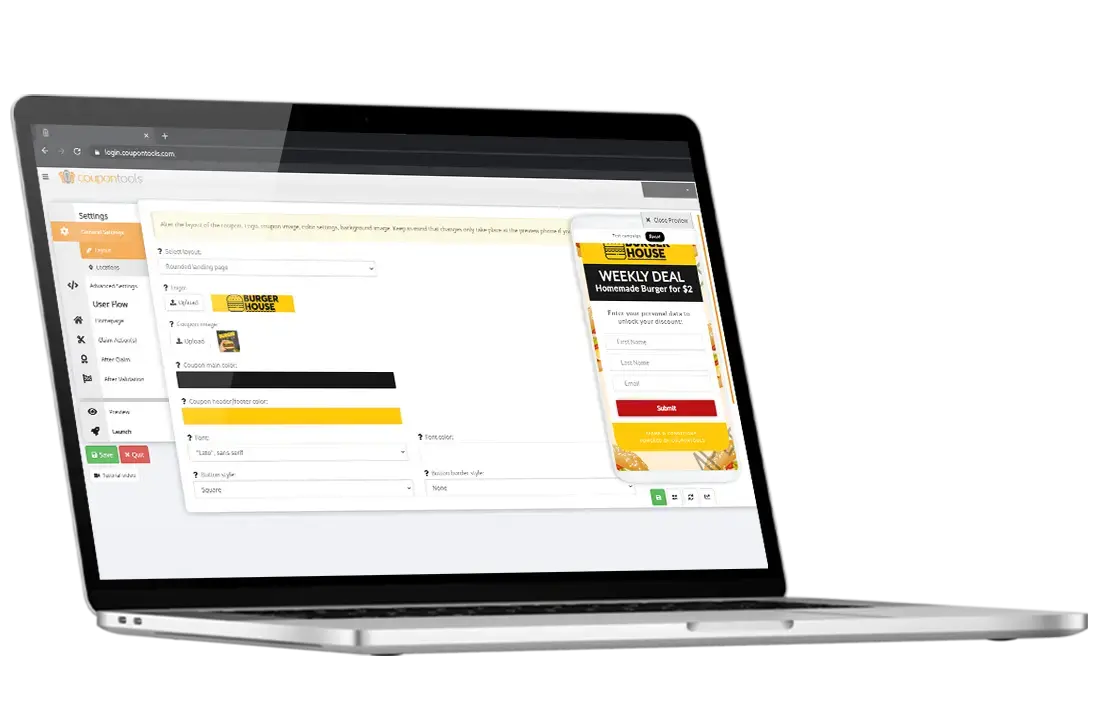
Create digital campaigns with the Coupontools platform.
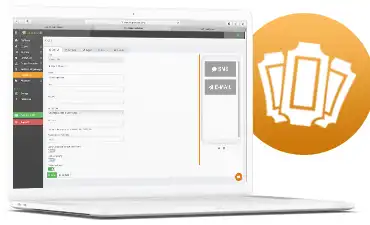
Create your Mobile Marketing Kiosk using the built-in Kiosk software tool.
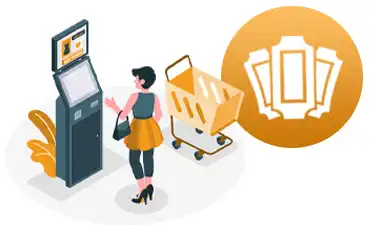
Set up your Mobile Marketing Kiosk and let visitors send digital campaigns to themselves.
Create digital campaigns with the Coupontools platform.
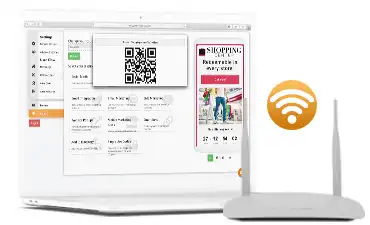
Add the unique campaign URL to your wifi router.
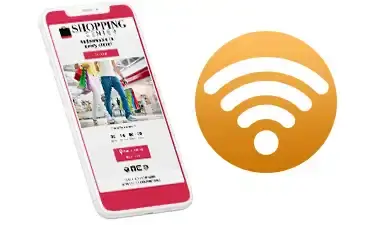
If visitors connect, the Digital Coupon automatically opens in the web browser.
Create digital campaigns with the Coupontools platform.
Add the unique campaign URL to your NFC tag.
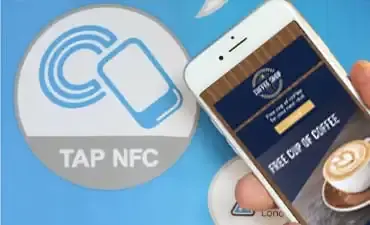
Set up your NFC tags in your stores for visitors to interact with.
Create digital campaigns with the Coupontools platform.
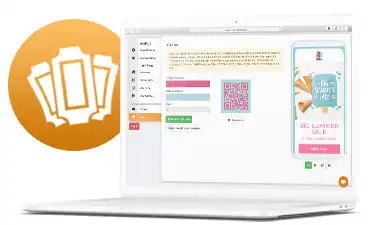
Generate a secure QR Code of your digital campaign.
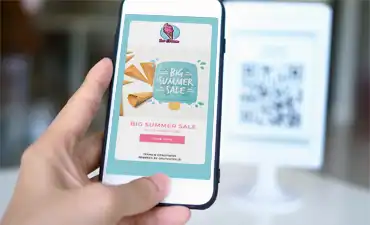
Distribute the QR Code. User scans it and the campaign opens in his browser.
Start using Coupontools today!
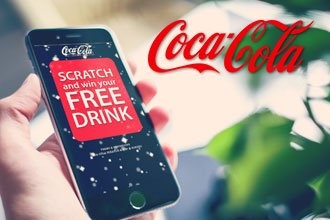 Phygital
Phygital Scratch & Win Marketing case for Coca Cola Belgium
Read More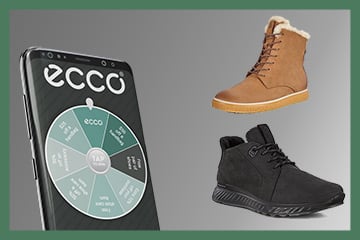 Retail
Ecco is a Danish shoe retailer. They've set up a special Holiday Campaign using digital…
Read More.png) Shopping center
Shopping center
Shopping 1 Genk used gamification to gather personal visitor data. Here's how it worked:
Read More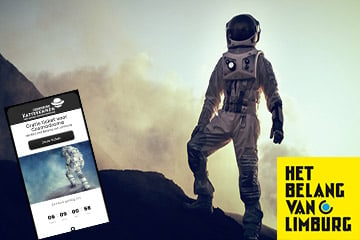 Media
Media
As part of the promotional campaign for their app, HBvL wanted to reward their app users with a coupon.
Read More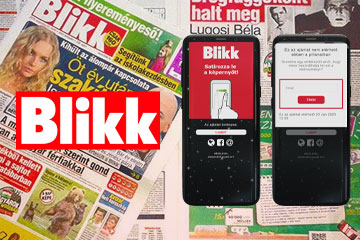 Media
Media
Blikk launched a phygital marketing campaign. Check out how it worked exactly
Read MoreStart using Coupontools today!